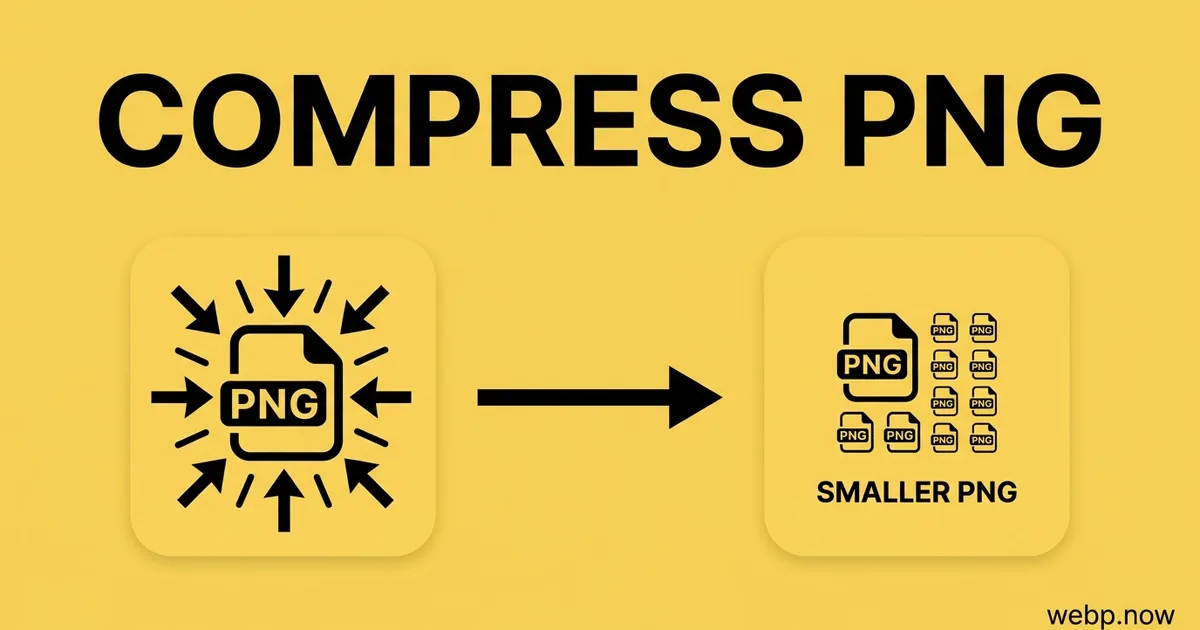
Compress PNG Images Online
Shrink PNG files in your browser. Pick a quality level or a target size — no signup, no watermark.
Have a WebP image? Use Compress WebP →

Drop your PNG files here
or click to select - multiple files supported
How Compress PNG works
Upload PNG
Drag & drop or click to select your PNG file.
Choose Options
Adjust quality, size, or other output settings if needed.
Download PNG
Click Compress and your PNG file downloads instantly.
About PNG compression
PNG compression is lossless by definition — every pixel survives exactly. Optimising a PNG means improving how efficiently those pixels are encoded: choosing better filter strategies, stripping metadata the image does not need, and reducing the palette where the image genuinely has few colours.
Screenshots, UI graphics, logos and design-tool exports are where this pays. Figma, Sketch and Illustrator all emit PNGs carrying embedded colour profiles and generator metadata, and none of them optimise the compression afterwards. A 2 MB icon set commonly drops below 500 KB with no visible change at all.
If the image is a photograph rather than a graphic, PNG is the wrong format to be optimising. Lossless compression handles continuous-tone detail badly, and converting to WebP will save an order of magnitude more than any amount of PNG optimisation can.
Where PNG comes from
PNG was designed in 1996 as a patent-free replacement for GIF, after Unisys began enforcing its patent on GIF's LZW compression. It brought lossless compression, 8-bit alpha transparency and 16-bit colour depth, and became the standard format for screenshots, logos, UI assets and anything with sharp edges or flat colour. Its one weakness is photographs: lossless compression handles continuous-tone detail badly, which is exactly the gap WebP's lossy mode fills.
PNG vs PNG at a glance
| PNG | PNG | |
|---|---|---|
| Compression | Lossless DEFLATE | Lossless DEFLATE |
| Transparency | Full 8-bit alpha | Full 8-bit alpha |
| Animation | Not supported (APNG is a separate extension) | Not supported (APNG is a separate extension) |
| Colour depth | 8-bit and 16-bit per channel, plus palette modes | 8-bit and 16-bit per channel, plus palette modes |
| Where it opens | Universal since the late 1990s | Universal since the late 1990s |
| Typical file size | Typically 25-35% larger than lossless webp, and several times larger than lossy webp | Typically 25-35% larger than lossless webp, and several times larger than lossy webp |
Real-world workflow — Front-end dev getting a media library under a performance budget
- Audit the site and find 1,400 PNG files averaging 240 KB each
- Batch-compress at quality 80 with metadata stripped
- Spot-check twenty images at full size against the originals
- Push the compressed set to the CDN and purge the cache
- Total image payload drops by 58%; mobile LCP improves by 1.1 seconds
Recommended compression settings
| Use case | Settings |
|---|---|
| UI icons and sprites | Lossless optimise, strip metadata |
| Screenshots | Palette quantise to 256 colours where the image allows |
| Design-tool exports | Strip embedded colour profiles and generator metadata |
| Photographic PNGs | Convert to WebP instead — PNG compresses photos badly |
| Print-bound assets | Keep lossless and leave the colour profile intact |
Where will your PNG file open?
| Platform | PNG | PNG |
|---|---|---|
| Chrome / Edge / Firefox | ✓ | ✓ |
| Safari 14+ / iOS 14+ | ✓ | ✓ |
| Windows Photos | ✓ | ✓ |
| macOS Preview & Quick Look | ✓ | ✓ |
| Adobe Photoshop | ✓ | ✓ |
| Microsoft Office 2021+ | ✓ | ✓ |
| Email clients (Outlook, Gmail) | ✓ | ✓ |
| Social media uploaders | ✓ | ✓ |
| Print & prepress (RIP) | ✓ | ✓ |
When to compress PNG
PNG compression is lossless by definition — every pixel survives exactly. Optimising a PNG means encoding those same pixels more efficiently: better filter strategies, stripping metadata the image does not need, and reducing the palette where the image genuinely contains few colours. Nothing about the picture changes.
Screenshots, UI graphics, logos and design-tool exports are where this pays off. Figma, Sketch and Illustrator all emit PNGs carrying embedded colour profiles and generator metadata, and none of them optimise the compression afterwards. An icon set at 2 MB commonly drops below 500 KB with no visible change — a real page-weight saving that lands directly in Lighthouse scores.
If the image is a photograph rather than a graphic, PNG is the wrong format to be optimising at all. Lossless compression handles continuous-tone detail badly, and converting to WebP will save an order of magnitude more than any amount of PNG optimisation can. Reach for PNG compression when you need to stay in PNG; reach for WebP when you do not.
PNG compression tips
- Strip metadata first — design-tool exports carry colour profiles and generator tags that often outweigh the pixel savings.
- Palette quantisation is the big win on screenshots and UI graphics: most have well under 256 distinct colours.
- Leave the colour profile intact on anything print-bound; stripping it will shift the colours at the press.
- If the PNG is a photograph, convert to WebP instead — PNG optimisation cannot compete on continuous-tone images.
- Run compression as a build step rather than by hand, so newly added assets never slip through unoptimised.
Related tools
Formats involved
PNG – Portable Network Graphics
PNG compression — frequently asked questions
Related guides & articles
Maybe you wanted something else?
- You want the web-optimised version instead → PNG to WebP
- You want to pick a different output format → Image Converter
Related conversions
 WebP → PNG
 WebP → WebP
Embed this tool on your website